Hi all,
I’ve been scratching my head trying to try jive and astor for 4 days now 
I am running tango on a Raspberry Pi 3 running Raspbian (to eventually use a Pi PLC). I have installed tango-db and PyTango from binaries without problem and have been testing Tango with Python.
However, I haven’t been able to use any libtango java tools (jive, astor etc.) since they are unable to connect to the tango database for some strange reason.
Here are the steps that I used to install the tools.
1.Installed open jdk 8 (I also tried with Oracle JRE 8)
2.Installed liblog4j1.2-java by
~#sudo apt-get install liblog4j1.2-java
- Downloaded libtango-java_9.2.5a-1_all.deb from Index of /~picca and
~#sudo dpkg -i ./libtango-java_9.2.5a-1_all.deb
Below are the errors and trace info I received when trying to run Astor and Jive
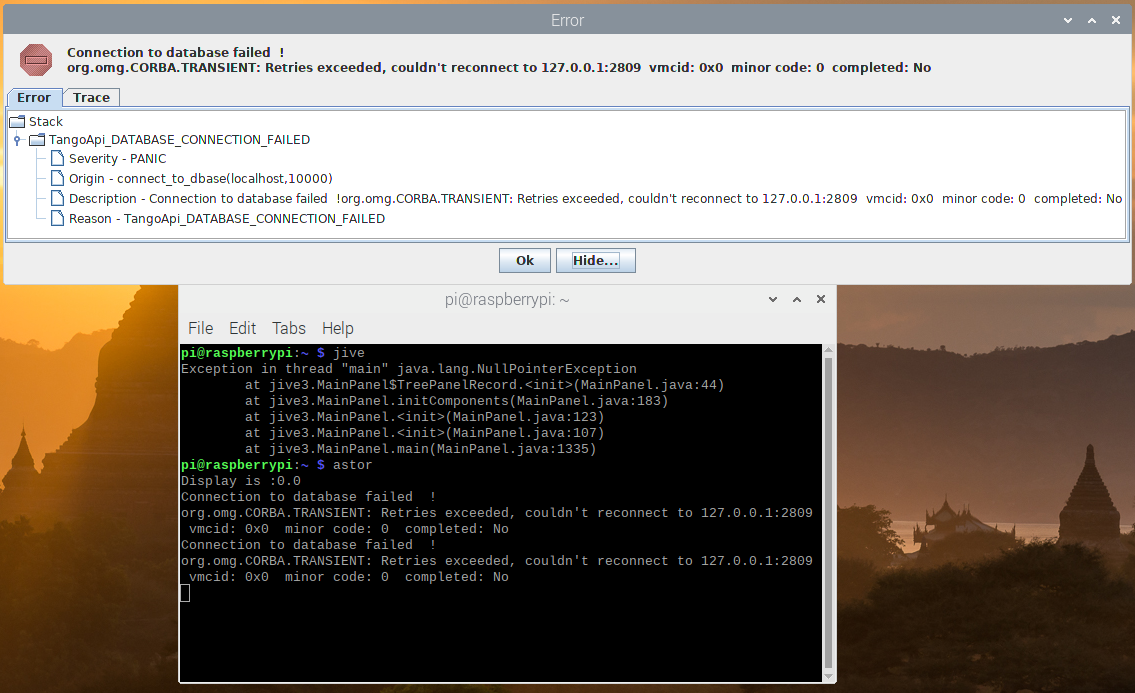


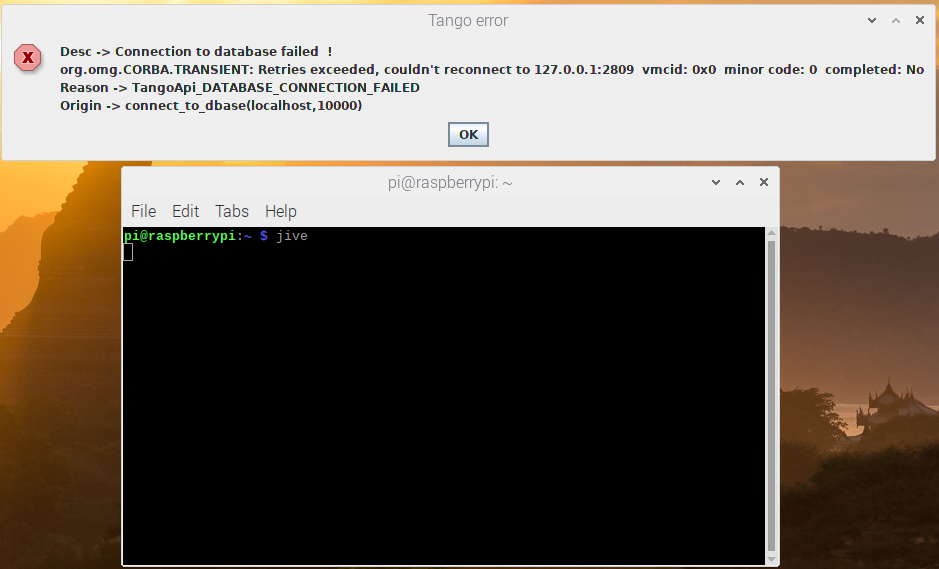
I have made sure that Tango is running on localhost:10000 without problems. Below is how I connect to the tango db using python3:

HERE ARE WHAT I HAVE DONE:
- Viewed the login log of mariadb right after the error and it doesn’t show any fail login attempt
- Changed libtango-java_9.2.5a-1_all.deb to libtango-java_7.2.6-1_all.deb. This time jive doesn’t show error, just the connection failed message and I am able to get to the GUI of jive (but no connection)
- Tried using the jive version that comes with all dependencies here with the same result: Service End for Bintray, JCenter, GoCenter, and ChartCenter | JFrog
- As advised by the doc and some forum messages, I tried setting the shell & system environment variable MYSQL_USER=tango MYSQL_PASSWORD=tango both inside and outside the tango-db script to no avail
- Made sure that logging in manually to mariadb using user and password tango works
- Installed jive on a Windows PC on the same network to connect to the tango database on the Pi. Same problem.
Here is how I install tango on the Raspberry Pi:
- Install mariadb-server with no password for root user
- Install tango-db:
~# apt-get install tango-test tango-db
(when prompted for tango user and password, I used “tango” for both)
3. Start tango by:
~#sudo /etc/init.d/tango-db restart
(tango starts automatically at boot, but I need to restart every time to make it work)
I would be grateful if someone could shed some light on what is happening.